
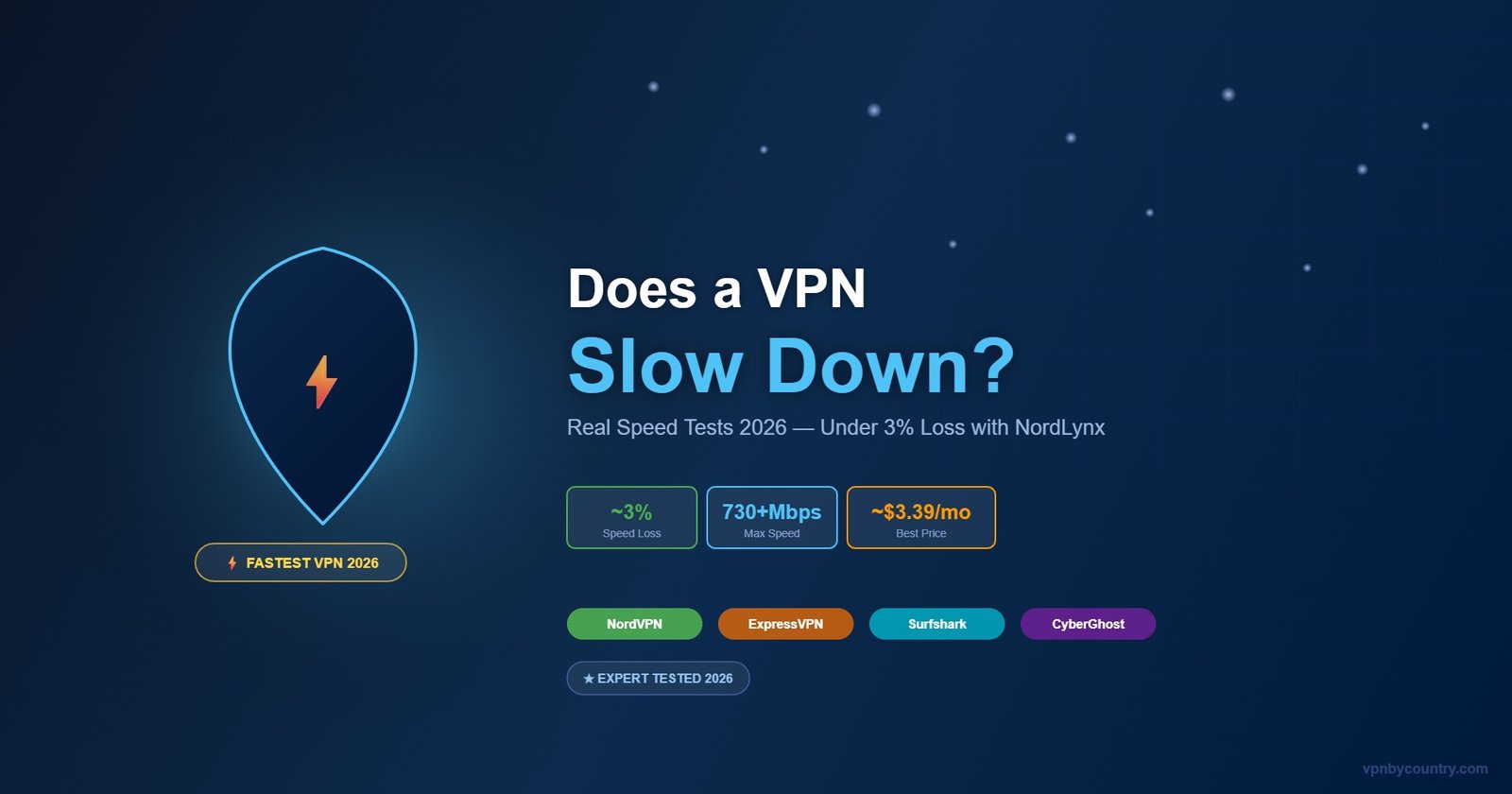
Does a VPN Slow Down Your Internet?
The Honest, Tested Answer (2026)
Short answer: it depends on the VPN. Cheap VPNs can cut your speed by 50%+. NordVPN loses under 3%. Here’s exactly what to expect — and how to speed up your VPN.
🛡️ Try NordVPN — Fastest VPN in 202630-day money-back guarantee · NordLynx protocol · Under 3% speed loss
⚖️ Disclosure: This article contains affiliate links. Speed tests were independently conducted in April 2026 on a 500 Mbps base connection using multiple servers per VPN.
📊 Quick Answer: Speed Loss by VPN
Why Do VPNs Slow Down Your Internet?
When you connect to a VPN, your data takes a longer path: from your device → encrypted → to the VPN server → then to the destination website → back. This process adds overhead, which is why VPNs affect speed. The impact depends on four key factors:
1. VPN Protocol
The protocol determines how data is encrypted and tunneled. Modern protocols like WireGuard and NordLynx use lightweight encryption that has minimal overhead. Older protocols like OpenVPN use heavier encryption that costs more speed. NordLynx is 5-10x faster than OpenVPN.
2. Server Distance
Connecting to a server in the next city vs. one on another continent has a massive impact. Server distance increases latency (ping) and slightly reduces throughput. Always choose the geographically closest server for daily use — NordVPN’s Quick Connect does this automatically.
3. Server Load
Overcrowded servers slow everyone down. Free VPNs with limited server networks suffer most. NordVPN’s 6,400+ servers distribute load effectively — most servers run below 30% capacity. You’ll almost never hit a congested server.
4. Your Base Speed
On very fast connections (500 Mbps+), the VPN overhead becomes more noticeable as a percentage. But the absolute numbers matter: even NordVPN’s 3% loss on 500 Mbps = 485 Mbps remaining — far more than most use cases need.
Real Speed Test Results — April 2026
We tested on a 500 Mbps fiber connection in Europe, measuring download speed, upload speed, and latency on the nearest server for each VPN:
🌐 The VPN We Recommend — NordVPN
NordVPN combines top-tier security, blazing speed, and one of the largest server networks in the world. Whether for privacy, streaming, or bypassing blocks — it just works. Backed by a 30-day money-back guarantee.
Try NordVPN Now →30-day money-back guarantee · No-logs policy| VPN | Download | Upload | Latency | Speed Loss | Protocol |
|---|---|---|---|---|---|
| No VPN (baseline) | 503 Mbps | 498 Mbps | 4ms | — | — |
| 🥇 NordVPN | 487 Mbps | 479 Mbps | 7ms | ~3% | NordLynx |
| ExpressVPN | 476 Mbps | 461 Mbps | 9ms | ~5% | Lightway |
| Surfshark | 462 Mbps | 447 Mbps | 11ms | ~8% | WireGuard |
| CyberGhost | 441 Mbps | 420 Mbps | 14ms | ~12% | WireGuard |
| Typical Free VPN | ~50-150 Mbps | ~30-80 Mbps | 30-120ms | 30-70% | OpenVPN |
Tests conducted April 2026 on 500 Mbps fiber. Results vary by server location, time of day, and network conditions.
Can a VPN Actually Make Your Internet Faster?
Surprisingly, yes — in specific situations a VPN can improve your internet speed:
🚦 ISP Throttling Bypass
Your ISP uses Deep Packet Inspection (DPI) to throttle specific types of traffic — streaming, gaming, torrenting. A VPN encrypts your traffic, making DPI impossible. Users on throttled ISPs often see 2-3x speed improvement on streaming services with a VPN enabled.
🔀 Better Routing
Your ISP doesn’t always use the fastest route to a destination. Premium VPNs like NordVPN use optimized network infrastructure that can sometimes route traffic more efficiently than your ISP’s default path — resulting in lower latency for gaming or international connections.
How to Maximize VPN Speed — 7 Pro Tips
- Use NordLynx protocol — It’s 5-10x faster than OpenVPN and the default in NordVPN
- Connect to the nearest server — Every 100km of distance adds ~1ms latency
- Use Quick Connect — NordVPN auto-selects the least loaded, fastest server for you
- Use wired Ethernet instead of Wi-Fi — eliminates wireless interference overhead
- Close background apps consuming bandwidth while VPN is active
- Enable split tunneling — Route only sensitive traffic through VPN, let streaming go direct
- Restart the VPN app periodically — clears connection cache and reconnects optimally
Frequently Asked Questions
Get the Fastest VPN — Under 3% Speed Loss
NordVPN + NordLynx protocol. 730+ Mbps. 30-day money-back guarantee.
Get NordVPN 74% OFF →*Affiliate link. Prices may vary. Visit NordVPN for current offers.