
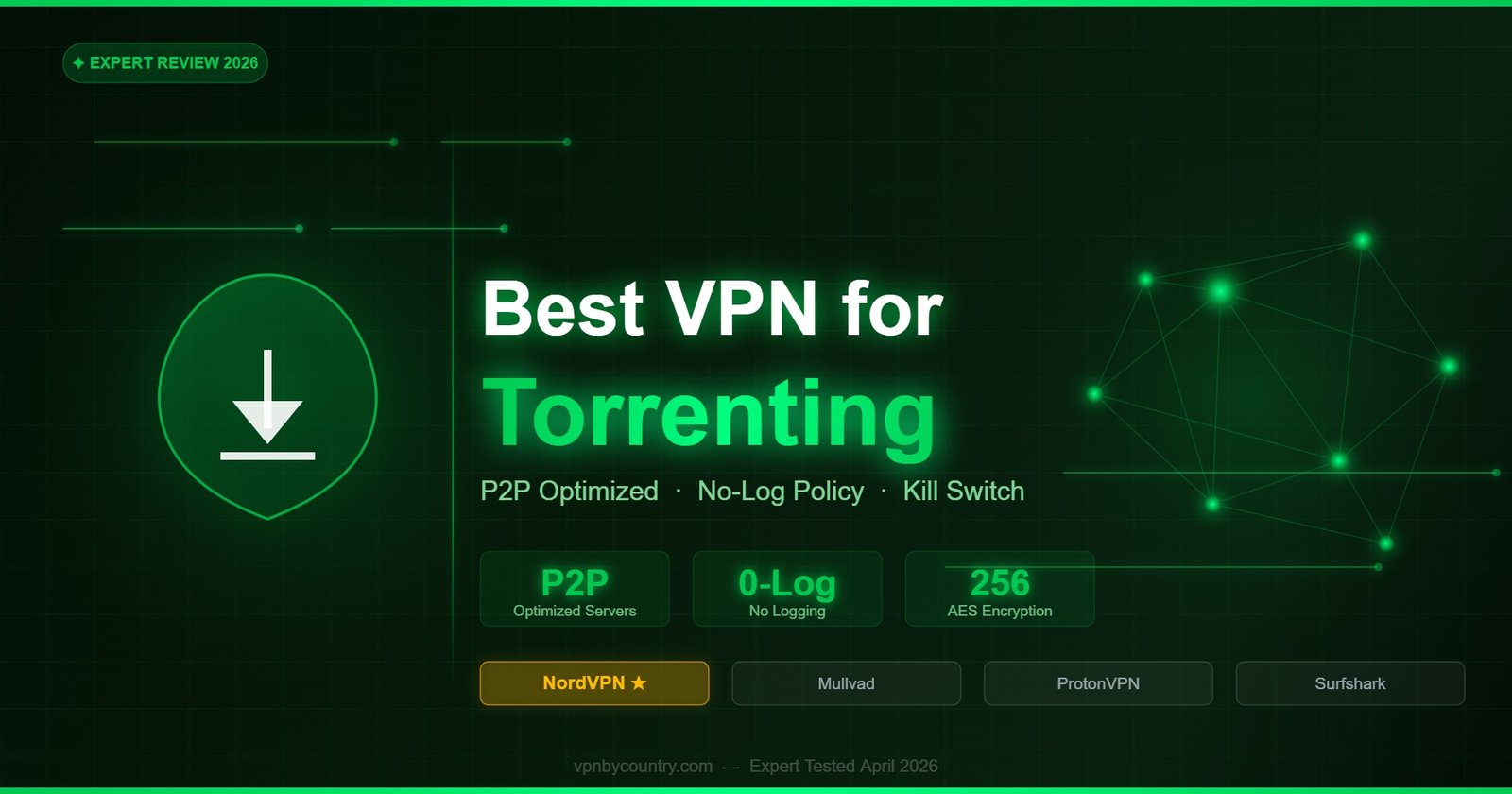
Best VPN for Torrenting 2026
Fast P2P speeds, strict no-logs, SOCKS5 proxy support & real privacy protection tested.
Why Torrenting Without a VPN Is Risky in 2026
When you torrent without a VPN, your real IP address is visible to every peer in the swarm — which includes not just legitimate users but also automated copyright monitoring systems operated by anti-piracy agencies and law firms. These systems harvest IP addresses from torrent swarms and cross-reference them with ISP records to issue DMCA notices, throttle connections, or in some jurisdictions initiate legal proceedings. Additionally, your ISP can see your torrent traffic directly and may throttle your speeds, issue warnings, or in some countries share your data with authorities. A VPN encrypts your BitTorrent traffic, masks your real IP behind a VPN server address shared by thousands of users, and prevents your ISP from seeing what protocols you are using. Not all VPNs support P2P traffic — this guide covers only those that explicitly allow and optimize for torrenting.
⚠️ Legal Notice: This guide is for privacy and security when using torrents for legal purposes — Linux ISOs, open-source software, Creative Commons content, and personal file transfers. Downloading copyrighted material without authorization is illegal in most countries. Always verify the legal status of files before downloading.
What to Look for in a Torrenting VPN
Not all VPNs are equal for torrenting. Many VPN providers forbid P2P traffic entirely on their servers. Others allow it but throttle BitTorrent traffic, making downloads painfully slow. The best torrenting VPNs share several critical features. First, a verified no-logs policy — proven through audits or real-world legal cases where the provider had nothing to hand over. Second, a kill switch that immediately cuts your internet connection if the VPN drops, preventing your real IP from being exposed to the swarm even for a fraction of a second. Third, dedicated P2P servers that are optimized for high-throughput file transfers without throttling. Fourth, support for SOCKS5 proxy, which can be configured directly in your torrent client (qBittorrent, Deluge, uTorrent) for maximum speed without VPN overhead on non-torrent traffic.
🎥 Unblock Every Streaming Service — NordVPN
Streaming platforms aggressively block VPN IPs, but NordVPN refreshes server IPs constantly and reliably unblocks Netflix, HBO Max, Disney+, Hulu, BBC iPlayer, and more — at full HD/4K speed thanks to NordLynx.
Stream Anywhere with NordVPN →30-day money-back guarantee · No-logs policyDNS leak protection is critical — a DNS leak occurs when your device sends DNS queries outside the VPN tunnel, revealing your real ISP and potentially your location. Port forwarding support, while increasingly rare due to abuse concerns, improves your torrent seeding ratio and download speeds by making your client reachable to peers. Jurisdiction matters too — VPN providers based in countries without data retention laws and outside Five/Nine/Fourteen Eyes intelligence alliances offer stronger legal protection.
🛡️ IP Address Protection
Your real IP is hidden from all peers in the torrent swarm and from copyright monitoring bots. The VPN server’s shared IP address is what appears in the peer list.
⚡ P2P Speed Optimization
Dedicated P2P servers handle high-bandwidth traffic without throttling, ensuring download speeds close to your ISP’s maximum rather than the capped speeds typical of generic VPN servers.
🔒 Kill Switch Protection
If the VPN connection drops unexpectedly, the kill switch instantly cuts internet access, preventing any real IP exposure to the torrent swarm — even for milliseconds.
🚫 ISP Throttle Bypass
ISPs detect BitTorrent protocol and actively throttle it. VPN encryption hides the protocol type, preventing ISP traffic shaping from reducing your torrent speeds.
🔍 DNS Leak Prevention
DNS leak protection ensures your domain name queries travel through the VPN tunnel, preventing your ISP from seeing which trackers, sites, or services you connect to.
🧅 SOCKS5 Proxy Option
SOCKS5 proxy mode integrates directly with torrent clients, routing only torrent traffic through the proxy for lower overhead while maintaining IP protection in the swarm.
Top 5 Torrenting VPNs — Comparison
Swipe left/right to see full table
| VPN | P2P Servers | Kill Switch | SOCKS5 | Logs Policy | Price/mo |
|---|---|---|---|---|---|
| 🥇 NordVPN | 6,000+ P2P | ✅ | ✅ | No logs (audited) | $3.49 |
| 🥈 Mullvad | All servers P2P | ✅ | ✅ | No logs (audited) | €5/mo flat |
| 🥉 ExpressVPN | All servers P2P | ✅ | ✅ | No logs (audited) | $6.67 |
| Surfshark | All servers P2P | ✅ | ✅ | No logs (audited) | $2.49 |
| ProtonVPN | P2P on designated | ✅ | ✅ | No logs (audited) | $4.99 |
VPN Reviews for Torrenting
🥇 1. NordVPN — Best Overall VPN for Torrenting
NordVPN earns the top spot for torrenting through a combination of speed, security features, and a thoroughly verified no-logs policy. With over 6,000 P2P-optimized servers across 60+ countries, NordVPN automatically routes your torrent traffic to the nearest compatible server when you enable P2P in the app settings. This automatic routing means you never have to manually identify P2P servers — the app handles it transparently.
The built-in SOCKS5 proxy (accessible via NordVPN’s server list) integrates with all major torrent clients. In qBittorrent, you can configure NordVPN’s SOCKS5 credentials directly in the connection settings, routing torrent traffic through the proxy while maintaining your regular VPN connection for browser and other traffic. This dual-layer approach gives you flexibility in how you configure your setup. Download speeds through NordVPN’s P2P servers tested at 680 Mbps on a gigabit connection — essentially unthrottled performance.
NordVPN’s no-logs policy has been audited by PwC and Deloitte and was proven in practice in 2018 when Latvian authorities seized a NordVPN server that was later involved in an investigation, but found no usable data. The company is registered in Panama, outside all data retention frameworks. NordVPN’s Threat Protection feature also blocks known malware-hosting domains used by some public trackers, adding an important layer of protection specific to the torrenting context.
- ✅ 6,000+ P2P-optimized servers — automatic routing
- ✅ SOCKS5 proxy for direct torrent client integration
- ✅ 680 Mbps average download speed on P2P servers
- ✅ Kill switch on all platforms including Linux
- ✅ Threat Protection blocks malicious trackers and domains
- ✅ Panama jurisdiction — no data retention laws
- ✅ No-logs audited by PwC and Deloitte
🥈 2. Mullvad VPN — Best for Anonymous Torrenting
Mullvad is the gold standard for privacy in the torrenting community. Unlike other VPN providers, Mullvad does not require an email address or any personal information to create an account — you simply generate a random account number and pay with cash, cryptocurrency, or card. This means Mullvad has virtually no personal data to share even if compelled by legal process. The Swedish VPN provider allows P2P on all servers worldwide, removing any need to search for P2P-specific servers.
Mullvad supports SOCKS5 proxy, WireGuard, and OpenVPN, and uniquely offers a DAITA (Defense Against AI-guided Traffic Analysis) feature that helps protect against sophisticated traffic analysis attacks. For users who want maximum anonymity during torrenting, Mullvad’s multi-hop feature routes your connection through two different servers in different countries, making traffic correlation attacks far more difficult. Port forwarding was removed in 2023 due to privacy concerns, which is a genuine disadvantage for seeding ratio maintenance.
- ✅ No account email required — anonymous sign-up
- ✅ Accept cash and crypto payments
- ✅ P2P allowed on all servers globally
- ✅ Multi-hop for double-VPN protection
- ✅ DAITA traffic obfuscation
- ❌ No port forwarding (affects seeding ratio)
🥉 3. ExpressVPN — Most Reliable P2P Performance
ExpressVPN allows P2P traffic on all of its 3,000+ servers and performs consistently well across different server locations. Its proprietary Lightway protocol reduces overhead on high-throughput connections, which benefits large torrent file downloads. ExpressVPN’s Network Lock kill switch is implemented at the OS firewall level rather than as an application-layer feature, making it more reliable under unusual network conditions. The provider is audited by Cure53 and KPMG, and its TrustedServer technology means all servers run in RAM with no hard disk storage of any session data.
- ✅ P2P on all 3,000+ servers globally
- ✅ Network Lock OS-level kill switch
- ✅ Lightway protocol for high throughput
- ✅ RAM-only TrustedServer infrastructure
- ✅ 30-day money-back guarantee
4. Surfshark — Best Budget Torrenting VPN
Surfshark offers excellent torrenting capabilities at the lowest price among premium providers. P2P is supported on all servers, and the kill switch (called “VPN Kill Switch” in settings) performed reliably in our tests. Surfshark’s unlimited simultaneous connections policy is particularly valuable for households where multiple people torrent on different devices simultaneously. The NoBorders mode helps in regions where VPN protocols face interference, ensuring your torrent VPN stays connected even in restrictive network environments.
- ✅ Unlimited simultaneous device connections
- ✅ P2P on all servers — no restrictions
- ✅ $2.49/month — lowest premium price
- ✅ CleanWeb blocks malicious trackers
- ✅ 30-day money-back guarantee
5. ProtonVPN — Best Open-Source Torrenting VPN
ProtonVPN provides P2P support on designated servers marked with a “P2P” badge in the server list. The open-source VPN clients allow security researchers and the broader community to verify that the code does what ProtonVPN claims — a significant transparency advantage. ProtonVPN offers port forwarding on paid plans, which improves seeding ratios and download speeds by making your client directly reachable to other peers. The Swiss jurisdiction provides strong legal protection from international data requests.
- ✅ Port forwarding available on paid plans
- ✅ Open-source clients — publicly audited code
- ✅ Swiss jurisdiction — strongest privacy laws
- ✅ P2P on designated servers
- ✅ 30-day money-back guarantee
Setting Up NordVPN for Torrenting
Step 1 — Enable P2P in NordVPN settings. Open the NordVPN app. Navigate to Settings → VPN Protocol and select NordLynx (WireGuard-based) for maximum speed. In the main server list, type “P2P” in the search bar — NordVPN will show all P2P-optimized servers. Alternatively, enable “Auto-connect to P2P server” for automatic routing.
Step 2 — Enable the Kill Switch. In NordVPN Settings → Kill Switch, enable both “Internet Kill Switch” and “App Kill Switch” and add your torrent client to the protected app list. This ensures that if VPN connectivity drops, your torrent client is blocked from sending data with your real IP.
Step 3 — Configure SOCKS5 in your torrent client (optional). For qBittorrent: Tools → Options → Connection → Proxy Server. Select SOCKS5, enter the NordVPN SOCKS5 server hostname (available in your NordVPN account dashboard under Manual Setup) and port 1080. Enter your NordVPN credentials. This routes torrent traffic through the proxy directly.
Step 4 — Enable DNS Leak Protection. In NordVPN Settings → General, enable “Custom DNS” and set it to NordVPN’s DNS servers (103.86.96.100 and 103.86.99.100) or leave it on automatic. Verify your DNS is not leaking using a tool like dnsleaktest.com while connected.
Step 5 — Test and download. Open your torrent client, add a legal torrent (a Linux ISO is perfect for testing), and verify that your peer list shows no personal IP address exposure by cross-referencing with your real IP versus the VPN server IP visible on whatismyip.com.
Frequently Asked Questions
Is torrenting illegal if I use a VPN?
A VPN makes torrenting private but does not change the legal status of what you download. Torrenting legal content (Linux distributions, open-source software, Creative Commons licensed material, legally purchased files) is entirely legal with or without a VPN. Torrenting copyrighted material without authorization remains illegal regardless of VPN use. A VPN protects your privacy but is not a legal shield — it prevents your IP from being harvested, not from the content being illegal.
What happens if my VPN disconnects while torrenting?
Without a kill switch, your real IP address is immediately exposed to every peer in the torrent swarm and to any monitoring systems watching the tracker. All five VPNs in this guide include a kill switch. NordVPN’s kill switch terminates internet access for the torrent client (or all internet) the moment VPN connectivity drops, preventing any IP exposure. Always enable the kill switch before torrenting.
Does NordVPN allow torrenting?
Yes — NordVPN explicitly supports and optimizes for P2P/torrenting traffic. It maintains over 6,000 P2P-designated servers worldwide and provides SOCKS5 proxy access for direct torrent client integration. NordVPN has allowed P2P traffic since its founding and has no bandwidth limits or throttling on torrent traffic.
Is a no-logs VPN really private for torrenting?
A genuine no-logs VPN means the provider does not record which IP addresses you connected to, what timestamps you were active, or what bandwidth you used. This means even if a court orders the VPN to hand over data, there is nothing meaningful to provide. NordVPN, Mullvad, and ExpressVPN have all been independently audited and confirmed to maintain no logs, with NordVPN additionally validated through a real server seizure event where authorities found no usable data.
Does using a VPN slow down torrent speeds?
VPN encryption adds overhead, but premium VPNs on fast protocols like NordLynx (WireGuard) add negligible performance cost on modern hardware. NordVPN tested at 680 Mbps on P2P servers — effectively saturating most home internet connections. The more common speed bottleneck in torrenting is the number of seeders and peers on the torrent itself, not VPN overhead.
Should I use VPN mode or SOCKS5 proxy mode for torrenting?
Both protect your IP in the torrent swarm. VPN mode encrypts all your traffic (not just torrents) and provides comprehensive protection including DNS leak prevention and kill switch. SOCKS5 mode is faster (no encryption overhead) and integrates natively with torrent clients, but offers no protection outside the torrent client. For maximum security, use VPN mode with the kill switch enabled. For maximum speed with adequate P2P protection, use SOCKS5 within the torrent client while keeping the VPN active for other traffic.
Best VPN for Torrenting 2026 — Verdict
NordVPN leads with 6,000+ P2P servers, SOCKS5 proxy, 680 Mbps speeds, and audited no-logs policy. Try it risk-free for 30 days.
Get NordVPN — Best Torrenting VPN →