
One VPN. All Your Devices.
Native apps for Windows, Mac, iOS, Android, Linux, Fire TV, Android TV — plus router & manual setup guides.
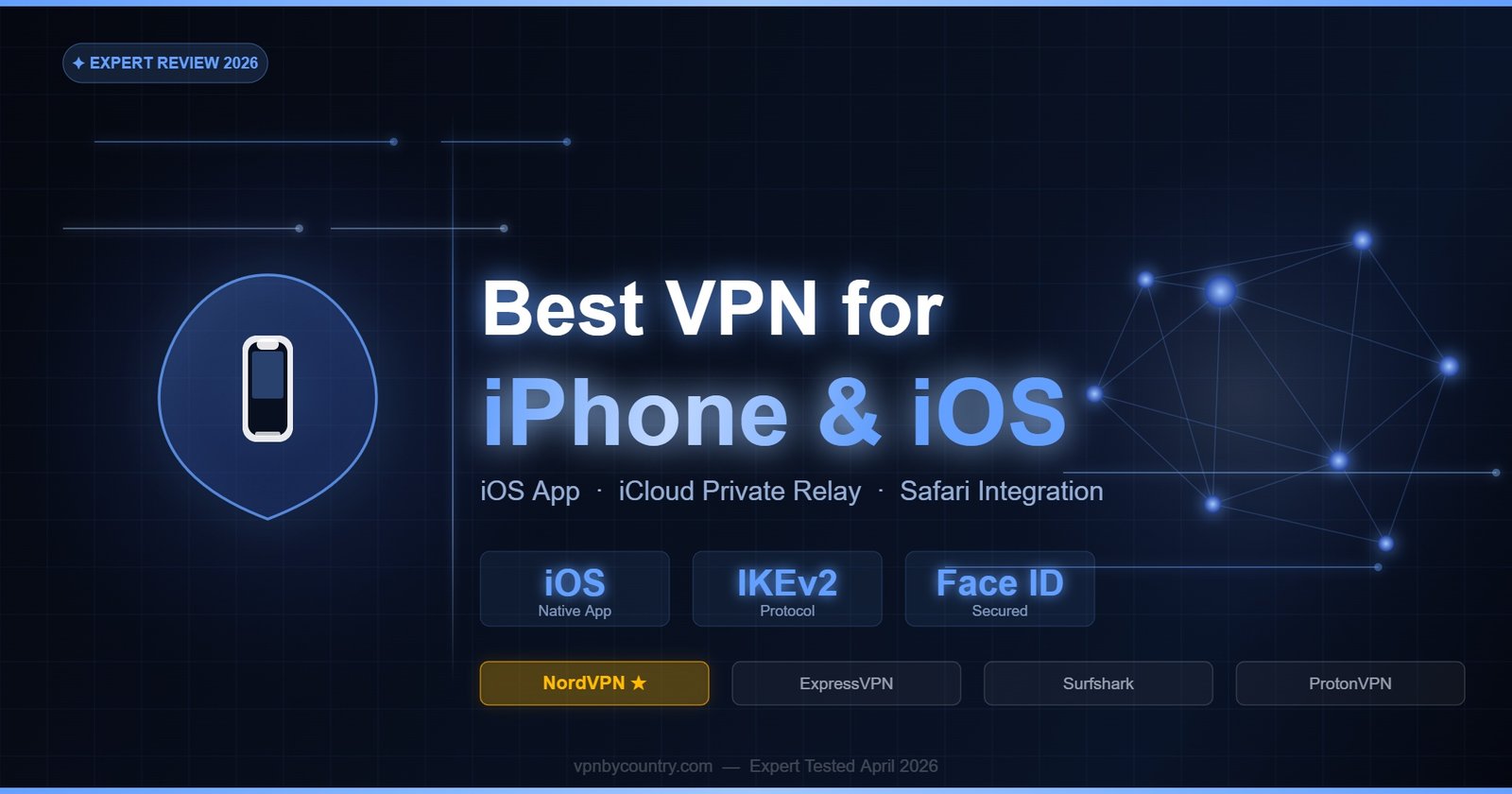
Get NordVPN — From $3.39/mo →Best VPN for iPhone & iOS 2026
Protect your iPhone on public Wi-Fi, unlock geo-content & preserve privacy on iOS 17 & 18.
Why iPhone Users Need a VPN in 2026
iPhones are more privacy-conscious than most Android devices by default, but iOS alone cannot protect you from all privacy threats. Your IP address is visible to every website, app, and network you connect to. Public Wi-Fi remains a genuine attack surface — even with HTTPS widespread, DNS queries, IP metadata, and connection timing data leak from unprotected devices. Mobile carriers track your browsing in detail on cellular connections. Geo-restrictions prevent access to content in other regions. And app trackers — even on iOS — profile your behavior via IP-based fingerprinting that Apple’s App Tracking Transparency cannot block. A VPN on iPhone addresses all these gaps, working at the network layer beneath the app ecosystem to protect every connection regardless of which app makes it.
⚠️ iOS VPN Limitation: Due to Apple’s iOS network architecture, VPNs on iPhone cannot create a system-wide kill switch equivalent to Android’s “Block connections without VPN” setting. Some traffic may briefly bypass the VPN during reconnections. Premium VPNs mitigate this with their own iOS kill switch implementations, but it is a known limitation compared to Android.
iOS VPN Considerations
iOS handles VPN connections differently from Android and desktop operating systems. Apple’s Network Extension framework governs how VPN apps integrate with the iOS network stack. Key considerations for iOS VPN users include: protocol support (iOS natively supports IKEv2 and IPSec; WireGuard and OpenVPN require VPN extensions), kill switch limitations (iOS’s “On Demand” VPN feature provides the closest equivalent but is not identical to a true kill switch), and battery optimization (iOS aggressively backgrounds apps, which can cause VPN connection drops — reputable VPN apps use proper Network Extension APIs to prevent this).
Apple Private Relay, available with iCloud+ subscriptions, provides some VPN-like functionality by hiding your IP from websites and apps. However, Private Relay is not a full VPN — it does not encrypt DNS traffic from your carrier’s view on cellular, does not allow server location selection, and does not work with all websites. A dedicated VPN app provides substantially more comprehensive protection and control than Private Relay.
📶 Public Wi-Fi Encryption
Hotel, café, and airport Wi-Fi attacks remain common on iOS. VPN encryption protects all app traffic including HTTP, background sync, email, and messaging on untrusted networks.
🌍 Unlock Geo-Restricted Apps
Access different regional App Stores by combining a VPN server change with an appropriate Apple ID region, unlocking apps not available in your home country.
🔒 Hide IP from Apps & Websites
Apple’s ATT limits cross-app tracking but IP-based tracking persists. A VPN masks your real IP across all apps, eliminating IP fingerprinting as a tracking vector.
📱 iMessage & FaceTime Security
iMessage uses your IP for connection establishment. On untrusted networks, a VPN prevents IP-based interception attempts targeting Apple’s messaging infrastructure.
✈️ Travel Privacy
Travel exposes your iPhone to foreign network surveillance and geo-blocked home content. Connect to a VPN server in your home country to maintain access to banking apps, streaming, and familiar services.
🚫 ISP & Carrier Tracking
Your mobile carrier sees all your DNS queries and connection metadata. VPN encryption prevents carrier-level profiling of your iPhone activity, which carriers sell to advertisers.
Best iOS VPNs — Comparison
Swipe left/right to see full table
| VPN | App Store Rating | iOS Protocol | Kill Switch | Split Tunneling | Price/mo |
|---|---|---|---|---|---|
| 🥇 NordVPN | 4.7★ (App Store) | NordLynx/IKEv2 | ✅ iOS | ✅ | $3.49 |
| 🥈 ExpressVPN | 4.7★ | Lightway/IKEv2 | ✅ iOS | ✅ | $6.67 |
| 🥉 Surfshark | 4.5★ | WireGuard/IKEv2 | ✅ iOS | ❌ | $2.49 |
| ProtonVPN | 4.4★ | WireGuard/IKEv2 | ✅ iOS | ✅ | $4.99 |
| Mullvad | 4.3★ | WireGuard | ✅ iOS | ❌ | €5 flat |
Top 5 iOS VPN Reviews
🥇 1. NordVPN — Best VPN for iPhone
NordVPN’s iOS app is the most feature-complete VPN for iPhone, matching the capabilities of its desktop counterpart in all critical areas. The NordLynx protocol (WireGuard-based) is fully supported on iOS, delivering the fastest speeds and lowest battery drain of any protocol option. NordVPN’s iOS implementation supports On-Demand VPN (automatic connection rules based on network type), meaning you can configure the VPN to activate automatically whenever connected to untrusted Wi-Fi networks without requiring manual action.
The iOS kill switch implementation uses the VPN On-Demand feature with “Block” rules for non-VPN traffic, which is the closest technical equivalent to a kill switch available within Apple’s iOS constraints. Threat Protection Lite on iOS blocks DNS queries to known malicious and advertising domains at the network level — working across all apps including those without settings for ad blocking. NordVPN’s iOS app supports per-app split tunneling in a limited form, allowing you to bypass the VPN for specific app traffic when needed.
NordVPN’s Meshnet feature works on iOS, enabling secure peer-to-peer device connections across geographic distances. For iPhone users who also use NordVPN on Mac or Windows, Meshnet creates a private network where files can be transferred securely between devices without cloud storage intermediaries. The iOS widget and Lock Screen shortcut allow quick VPN toggling from iOS 16 and later without opening the full app.
- ✅ 4.7★ App Store rating
- ✅ NordLynx protocol on iOS — best speed and battery
- ✅ On-Demand rules — auto-connect on untrusted Wi-Fi
- ✅ iOS kill switch implementation
- ✅ Threat Protection Lite — DNS ad/tracker blocking
- ✅ iOS widget and Lock Screen shortcut
- ✅ Meshnet for cross-device secure connections
🥈 2. ExpressVPN — Best iOS VPN for Streaming
ExpressVPN matches NordVPN’s App Store rating at 4.7 stars and its Lightway protocol delivers exceptional performance stability on iOS — particularly on mixed network environments where the phone switches between 4G/5G and Wi-Fi. Lightway was specifically designed with mobile connections in mind, maintaining session continuity during network transitions that would cause connection drops with IKEv2 or WireGuard. For users who frequently move between home Wi-Fi, office Wi-Fi, and cellular, ExpressVPN’s connection stability on iOS is the best in the market. The MediaStreamer DNS feature extends geo-unblocking to Apple TV without VPN overhead.
- ✅ Lightway protocol — best stability on iOS network transitions
- ✅ MediaStreamer DNS for Apple TV
- ✅ 4.7★ App Store rating
- ✅ iOS On-Demand VPN support
- ✅ 30-day money-back guarantee
🥉 3. Surfshark — Best Budget iOS VPN
Surfshark’s iOS app delivers excellent value at $2.49/month with unlimited simultaneous connections and CleanWeb DNS-level protection. The iOS app supports WireGuard and IKEv2 protocols and includes the kill switch. One notable iOS limitation compared to Android: Surfshark does not currently offer split tunneling on iOS due to Apple’s platform restrictions on Network Extension apps. For users who need split tunneling (e.g., to use banking apps without VPN interference), NordVPN or ExpressVPN is a better choice. For users who want affordable, comprehensive iOS VPN protection without split tunneling needs, Surfshark is the best-value option.
- ✅ $2.49/month — best-value iOS VPN
- ✅ Unlimited simultaneous connections
- ✅ CleanWeb DNS-level blocking on iOS
- ✅ WireGuard and IKEv2 on iOS
- ❌ No split tunneling on iOS
4. ProtonVPN — Best Privacy iOS VPN
ProtonVPN’s open-source iOS app has been independently audited and its code is publicly available on GitHub — a level of transparency unusual in the VPN industry. WireGuard support on iOS provides fast, efficient connections. The Stealth protocol obfuscates VPN traffic to appear as HTTPS, making ProtonVPN effective in restrictive environments that block standard VPN protocols — airports, hotels, corporate networks, and some countries. Per-app split tunneling is available on iOS for paid plans. ProtonVPN is the only provider in this list with a meaningful free tier that works on iOS.
- ✅ Open-source, audited iOS app
- ✅ Stealth protocol for restricted networks
- ✅ Per-app split tunneling on iOS (paid)
- ✅ Free tier available — no data cap
- ✅ 30-day money-back guarantee
5. Mullvad — Best Anonymous iOS VPN
Mullvad’s iOS app uses WireGuard exclusively and provides anonymous accounts (no email or personal information required). The iOS app is straightforward and minimalist — suitable for privacy-focused users who want a reliable WireGuard-based VPN without additional features like streaming optimization. Mullvad accepts cash and cryptocurrency payments. The flat €5/month pricing without long-term contract commitments suits users who prefer month-to-month flexibility. The main limitation for iOS is the absence of split tunneling.
- ✅ Anonymous account creation — no email required
- ✅ Cash and cryptocurrency payments accepted
- ✅ WireGuard on iOS
- ✅ €5/month flat — no annual commitment required
- ❌ No split tunneling on iOS
How to Install and Configure a VPN on iPhone
Step 1 — Download from the App Store. Open the App Store on your iPhone and search for “NordVPN”. Install the app from the official NordVPN listing (developer: Nord Security, 10M+ ratings). Avoid similar-named apps from unknown developers.
Step 2 — Sign in and set protocol. Open NordVPN and log in. In Settings → VPN Protocol, select NordLynx for best performance on iOS. If NordLynx has trouble connecting on your network, IKEv2 is a reliable fallback that is natively integrated with iOS.
Step 3 — Configure On-Demand VPN. In NordVPN iOS settings, find “On Demand” settings. Enable auto-connection for “Wi-Fi” networks and set trusted networks (your home network) to bypass the VPN. This ensures the VPN activates automatically on any unfamiliar Wi-Fi without requiring manual action.
Step 4 — Enable kill switch. In NordVPN iOS settings, enable the Kill Switch. NordVPN implements this via iOS VPN On-Demand rules that block traffic when the VPN is not active, providing protection against unexpected disconnections.
Step 5 — Add iOS widget. On iOS 16 and later, press and hold the home screen to enter edit mode. Tap the + button and search for NordVPN. Add the VPN Quick Connect widget to your home screen or Lock Screen for one-tap VPN access without opening the full app.
iPhone VPN FAQ
Does Apple Private Relay replace a VPN?
No — Apple Private Relay (available with iCloud+ at $0.99/month) provides limited IP masking from websites and hides browsing from your ISP on Safari only. It does not encrypt all app traffic, does not allow server location selection beyond broad country/region, does not work in many countries, and does not protect privacy in non-Safari browsers or apps. A full VPN like NordVPN provides comprehensive protection across all apps, full server selection, and works in countries where Private Relay is unavailable.
Is there a kill switch on iPhone VPN?
iOS does not support a true kill switch in the same way Android or desktop systems do. However, NordVPN, ExpressVPN, and ProtonVPN implement an iOS kill switch using the VPN On-Demand “Disconnect” → “Block” rules, which prevents traffic when the VPN tunnel is not active. This is not 100% equivalent to a kernel-level kill switch but provides meaningful protection in most disconnection scenarios. Brief IP exposure during certain reconnection events remains a known iOS limitation across all VPN providers.
Does a VPN work on iPhone cellular (not Wi-Fi)?
Yes — VPNs work on cellular (4G/5G) connections on iPhone exactly as they do on Wi-Fi. Your mobile carrier traffic is encrypted and your real IP is hidden. VPN usage on cellular prevents carrier tracking of your browsing activity. The NordLynx and Lightway protocols are particularly efficient on cellular connections with variable signal strength, maintaining session stability during signal fluctuations better than IKEv2.
Will a VPN affect Face ID or Touch ID?
No — Face ID and Touch ID operate locally on the iPhone’s Secure Enclave and have no interaction with network traffic. A VPN cannot affect biometric authentication. Similarly, VPNs do not affect Apple Pay, iCloud sync, or other hardware-integrated features.
Can I use NordVPN on iPhone and MacBook with one subscription?
Yes — NordVPN allows up to 10 simultaneous device connections. You can use one NordVPN subscription across iPhone, iPad, MacBook, Windows PC, Android, and other devices simultaneously. The iOS and macOS apps share the same account credentials and can be connected simultaneously to different server locations if needed.
Does NordVPN slow down iPhone internet speed?
NordLynx adds less than 5ms latency and reduces throughput by less than 5% on fast networks when connected to nearby servers. On cellular connections with variable quality, premium VPNs like NordVPN can actually improve consistency by avoiding ISP traffic management. Most users do not notice any speed difference on daily iOS tasks including streaming, browsing, and social media.
Best VPN for iPhone 2026 — Verdict
NordVPN leads iOS VPNs with 4.7★ App Store rating, NordLynx protocol, iOS kill switch, On-Demand auto-connect, and Threat Protection Lite. Try it free for 30 days.
📱 Related Guide
Using your iPhone as a hotspot? See our full guide: Best VPN for iPhone Hotspot 2026 — Encrypt All Tethered Devices
🎓 College Student Guide
Using iPhone on campus WiFi? See our dedicated guide: Best VPN for College WiFi iPhone 2026 — Unblock Apps & Stay Private on Campus
✂ Also Read: Best VPN for CapCut in 2026 — Unblock CapCut in India, access region-locked templates, and protect your editing sessions.