
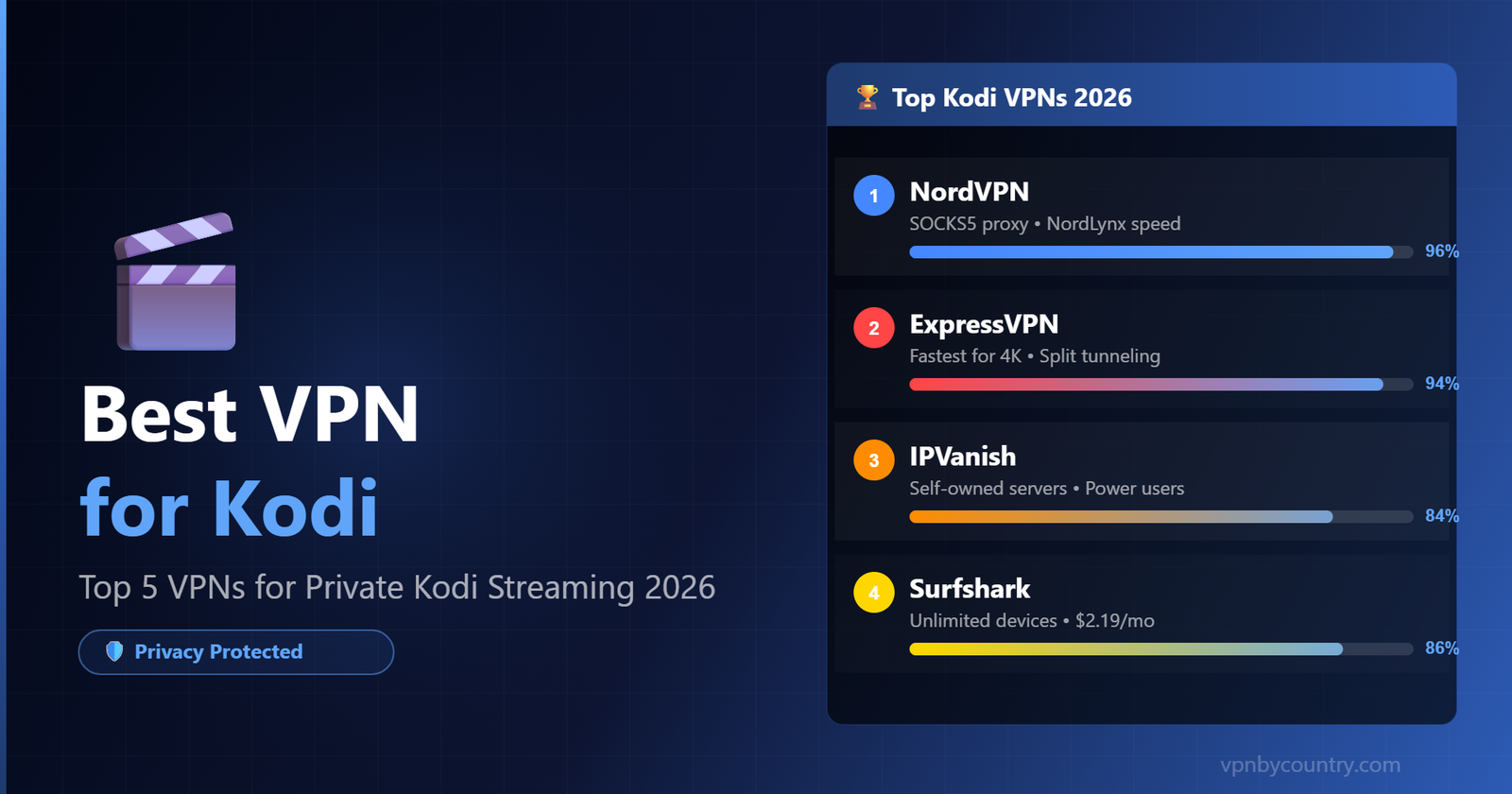
Best VPN for Kodi
Kodi is one of the most powerful media players ever built — but its third-party add-ons expose your real IP, risk DMCA notices, and can attract ISP attention. Here’s how to protect yourself and unlock global content in 2026.
Important: Kodi + Unofficial Add-ons = Risk Without a VPN
The official Kodi app is 100% legal. But many popular third-party add-ons stream copyrighted content from unofficial sources. Without a VPN, your ISP can see every stream you watch and may throttle your connection, send a copyright notice, or report your activity. A VPN encrypts all traffic, shielding your activity from prying eyes.
Why Kodi Users Specifically Need a VPN
Hide Add-on Activity
Third-party add-ons connect to external servers. A VPN masks your IP so your activity can’t be traced back to your device or location.
Prevent ISP Throttling
ISPs throttle streaming traffic by default on many plans. Encrypting your connection with a VPN prevents traffic shaping and delivers full bandwidth to Kodi.
Access Geo-Locked Add-ons
Some Kodi add-ons are only available in certain countries. A VPN lets you switch regions to access BBC iPlayer, Pluto TV, and other geo-restricted services.
Protect on Public Wi-Fi
Running Kodi on a hotel or Airbnb TV? A VPN creates a secure tunnel protecting your streams and preventing any network monitoring.
No DMCA Notices
Copyright holders send automated notices to ISPs based on IP addresses. A VPN hides your real IP, making your activity untraceable by rights holders’ monitoring systems.
No-Log Privacy
Premium VPNs store zero logs of your activity. Even if a server is subpoenaed, there’s nothing to hand over. Look for independently audited no-log policies.
Quick Comparison: Best VPNs for Kodi 2026
| VPN | Kodi Performance | Servers | Protocol | SOCKS5 Proxy | Price/mo |
|---|---|---|---|---|---|
| NordVPNBEST | ⚡ Exceptional | 6,300+ / 111 countries | NordLynx | ✅ Yes | $3.09 |
| ExpressVPN | ⚡ Excellent | 3,000+ / 105 countries | Lightway | ❌ No | $4.99 |
| IPVanish | 🟢 Very Good | 2,200+ / 75 countries | WireGuard | ✅ Yes | $2.49 |
| Surfshark | 🟢 Good | 3,200+ / 100 countries | WireGuard | ❌ No | $2.19 |
| ProtonVPN | 🟡 Good | 7,100+ / 91 countries | WireGuard | ❌ No | $4.99 |
5 Best VPNs for Kodi — Full Reviews
✅ Pros
- NordLynx delivers consistently high Kodi stream quality
- SOCKS5 proxy perfect for individual Kodi add-ons
- 6,300+ servers ensure you’re never on a crowded node
- Double VPN for maximum privacy with unofficial add-ons
- Best long-term pricing among premium VPNs
❌ Cons
- Map UI can be confusing for beginners
- No native Kodi add-on (install separately)
- Monthly plans expensive
NordVPN is the top choice for Kodi users because it combines raw speed (NordLynx is one of the fastest protocols we’ve tested) with the SOCKS5 proxy that many Kodi add-ons support natively. The SOCKS5 proxy lets specific add-ons route through the VPN without affecting the rest of your network — ideal for setups where you want precise control. The Threat Protection feature also blocks known malicious domains, protecting you from the occasional sketchy add-on source.
📲 Native Apps for Every Device — NordVPN
NordVPN ships dedicated apps for iOS, Android, Windows, Mac, Linux, Chrome, Firefox, Firestick, AndroidTV, and routers — one subscription covers up to 10 devices simultaneously with full encryption and zero logs.
Get NordVPN — All Devices Covered →30-day money-back guarantee · No-logs policy✅ Pros
- Fastest speeds we’ve measured — ideal for 4K HDR Kodi streams
- Split tunneling: only Kodi traffic through VPN
- Unblocks the most streaming services of any VPN tested
- Extremely simple to set up and use
- MediaStreamer DNS works on devices without VPN apps
❌ Cons
- Most expensive option in this list
- No SOCKS5 proxy for add-on level configuration
- Smaller server network than NordVPN
If buffering is your primary concern, ExpressVPN is the answer. Its proprietary Lightway protocol delivers some of the highest speeds we’ve seen — maintaining well over 400 Mbps on a 500 Mbps connection in our tests. Split tunneling lets you route only Kodi through the VPN while keeping other apps at full speed. It’s the most user-friendly option if you’re not technically inclined.
Get ExpressVPN →✅ Pros
- Owns 100% of its infrastructure — no third-party server risk
- SOCKS5 proxy configurable directly in Kodi add-ons
- Unlimited simultaneous connections
- Strong WireGuard implementation
- Great for technically advanced Kodi setups
❌ Cons
- Smaller server network than NordVPN/ExpressVPN
- Weaker at unblocking international streaming platforms
- App less beginner-friendly
IPVanish has historically been the Kodi community’s favorite VPN — and for good reason. Its SOCKS5 proxy can be configured directly within many Kodi add-ons, routing only that add-on’s traffic through the proxy rather than your entire connection. This granular control is unique among mainstream VPNs and gives power users maximum flexibility over their privacy setup.
Get IPVanish →✅ Pros
- Most affordable premium VPN at $2.19/month
- Unlimited connections — protect entire media setup
- CleanWeb blocks tracking within Kodi add-ons
- Good speeds for HD streaming on Kodi
- Camouflage Mode for obfuscation
❌ Cons
- No SOCKS5 proxy support
- Speeds less consistent than NordVPN/ExpressVPN
- Some 4K streams can buffer on busy servers
At just over $2 per month, Surfshark is the best budget option for Kodi users who don’t need SOCKS5 proxy support. The CleanWeb feature provides DNS-based blocking of trackers and malicious domains — a useful extra layer of protection when streaming from third-party sources. Unlimited simultaneous connections means you can protect your Kodi box, phone, tablet, and router all under one subscription.
Get Surfshark →✅ Pros
- Based in Switzerland — strong legal privacy protections
- 100% open source — code independently verifiable
- Free tier with unlimited data (3 locations)
- Tor over VPN for maximum anonymity
- Stealth protocol bypasses VPN blocks
❌ Cons
- Free tier too slow for smooth Kodi streaming
- Fewer streaming unblocking capabilities
- Premium plan on par with ExpressVPN pricing
ProtonVPN is the gold standard for privacy-first users who use Kodi primarily for their local media library and occasional streaming. Being based in Switzerland (outside EU/US jurisdiction), operating an open-source client, and maintaining a strictly audited no-log policy makes it the most privacy-trustworthy option on this list. For pure privacy protection around Kodi usage, it’s the top pick.
Get ProtonVPN →⚙️ How to Set Up a VPN on Kodi
There are two approaches: using the system-level VPN app (recommended for full protection) or configuring a proxy within specific add-ons. Here’s how to do both.
Method 1: System VPN App
- Install your VPN’s app on your device (Windows, Android, Fire TV, etc.)
- Connect to your chosen server location
- Launch Kodi — all traffic is now routed through the VPN
- Verify your IP has changed at ipleak.net before streaming
Method 2: SOCKS5 Proxy in Kodi
- Get your VPN’s SOCKS5 proxy credentials (NordVPN or IPVanish)
- In Kodi: Settings → System → Internet Access
- Enable “Use proxy server” and enter SOCKS5 details
- Enter your VPN’s proxy host, port, username, and password
Best Kodi Add-ons to Use With Your VPN
Once your VPN is active, these legitimate Kodi add-ons become even more powerful with a VPN’s geo-switching capabilities:
📺 BBC iPlayer (Official)
Full BBC catalog — unblock from anywhere with a UK VPN server. Completely legal — requires UK IP.
🎬 Pluto TV
300+ free live TV channels. US-only — a US VPN server unlocks the full catalog from anywhere.
🎥 Tubi
Free US streaming with thousands of movies and shows. Requires US IP — use a US VPN server.
🌐 Crackle
Sony’s free streaming service — needs a US IP to access. Works reliably with any premium VPN.
📡 NASA TV
Official NASA add-on with live launches and space content. Globally accessible — no VPN required, but adds privacy.
🎵 Radio
Listen to radio stations from across the world. A VPN helps unlock region-specific stations blocked outside their home country.
🏆 Kodi VPN Verdict
For the best balance of speed, privacy, and Kodi-specific features, NordVPN is our top pick — its NordLynx speed and SOCKS5 proxy make it uniquely suited to Kodi’s needs. If raw speed matters most for 4K streaming, go with ExpressVPN. For power users who want maximum infrastructure control, IPVanish remains the Kodi community’s traditional favorite. All three have 30-day money-back guarantees — test them risk-free.
🎬 Protect Your Kodi Streams Today
All picks below include 30-day money-back guarantees. Start streaming privately risk-free.