
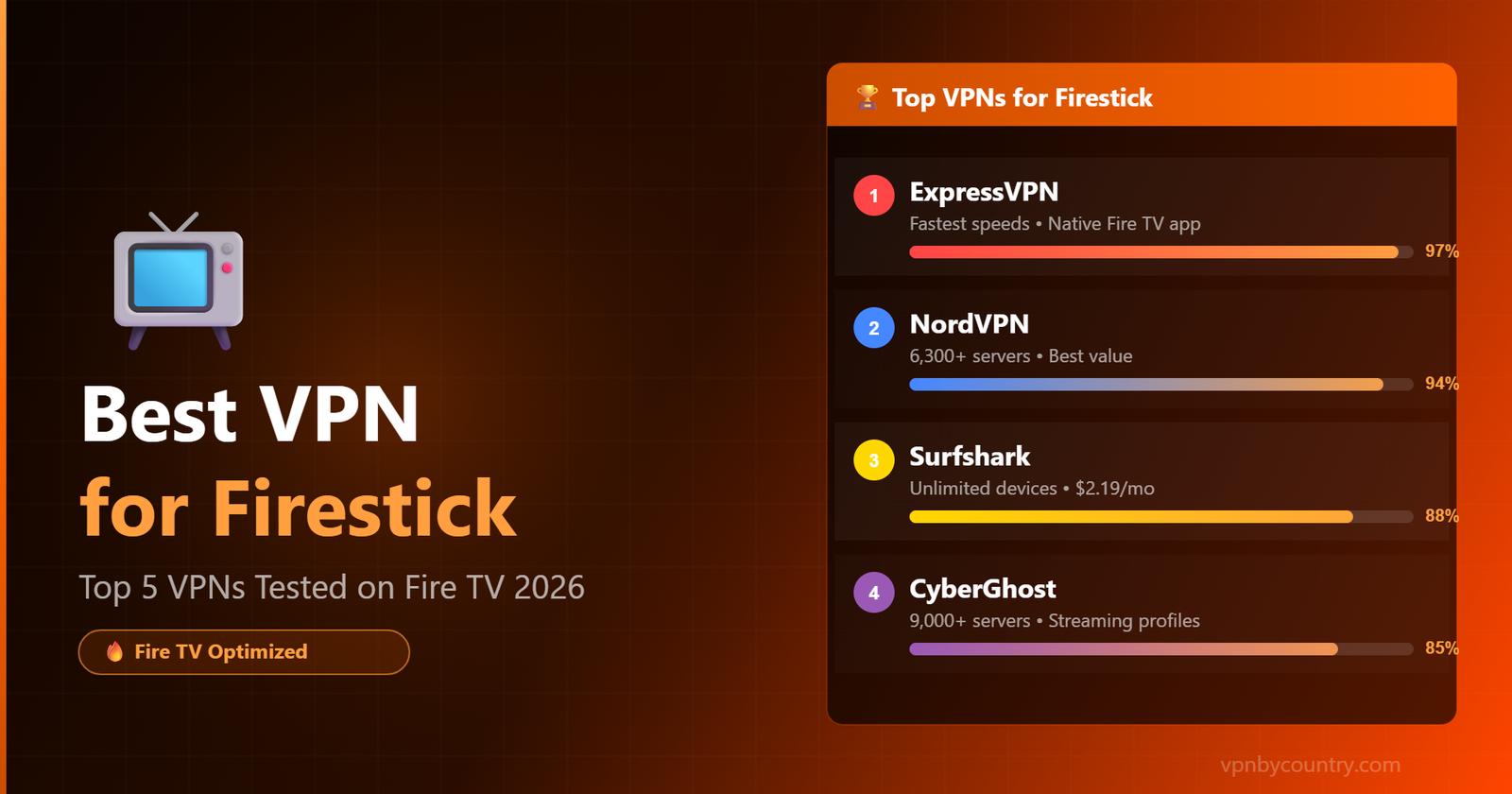
Best VPN for Firestick
Amazon’s Fire TV Stick is the world’s most popular streaming dongle — but without a VPN, you’re exposing your IP, limiting your content, and risking ISP throttling. Here’s exactly which VPN to install in 2026.
⚡ Quick Answer — Top Picks at a Glance
- ExpressVPN — Fastest speeds, native Fire TV app
- NordVPN — Best value, huge server network
- Surfshark — Unlimited devices, great for families
- CyberGhost — Streaming-optimized servers built-in
- IPVanish — Owns its servers, strong for Kodi users
Why You Need a VPN on Your Firestick
🌍 Unlock More Content
Access region-locked libraries on Netflix, BBC iPlayer, Disney+, and Hulu. A VPN lets your Firestick appear in any country, instantly expanding your streaming catalog by thousands of titles.
🚀 Stop ISP Throttling
Internet providers routinely throttle streaming traffic — especially on evenings and weekends. A VPN hides your activity from your ISP, delivering consistently faster, buffer-free streams.
🔒 Protect Your Privacy
Every stream you watch is logged by your ISP and Amazon by default. A VPN encrypts your connection end-to-end, keeping your viewing habits private and off the record.
📡 Safe on Public Wi-Fi
Hotel TVs and shared networks expose your device to snooping. A VPN on your Firestick creates a secure tunnel, protecting you at Airbnbs, hotels, and any shared connection.
Amazon Fire TV Stick has shipped over 150 million units worldwide. It’s the go-to streaming device for budget-conscious cord-cutters — but its out-of-the-box setup leaves users completely unprotected. Your IP address, browsing habits, and streaming activity are visible to your ISP, advertisers, and anyone monitoring your network. Adding a VPN takes about two minutes and fundamentally changes that equation.
Beyond privacy, geo-restrictions are the real pain point for Firestick users. Amazon’s own content catalog varies enormously between countries, and popular apps like BBC iPlayer, DAZN, and Peacock only work in specific regions. A reliable VPN solves this instantly — and with Firestick’s native app store support for major VPN providers, setup has never been easier.
One VPN. All Your Devices.
Native apps for Windows, Mac, iOS, Android, Linux, Fire TV, Android TV — plus router & manual setup guides.
Get NordVPN — From $3.39/mo →Quick Comparison: Best VPNs for Firestick 2026
| VPN | Speed | Servers | Native Fire TV App | Simultaneous Devices | Starting Price |
|---|---|---|---|---|---|
| ExpressVPNBEST | ⚡ Excellent | 3,000+ / 105 countries | ✅ Yes | 8 | $4.99/mo |
| NordVPN | ⚡ Excellent | 6,300+ / 111 countries | ✅ Yes | 10 | $3.09/mo |
| Surfshark | 🟢 Very Good | 3,200+ / 100 countries | ✅ Yes | Unlimited | $2.19/mo |
| CyberGhost | 🟢 Very Good | 9,000+ / 91 countries | ✅ Yes | 7 | $2.03/mo |
| IPVanish | 🟡 Good | 2,200+ / 75 countries | ✅ Yes | Unlimited | $2.49/mo |
The 5 Best VPNs for Firestick — Detailed Reviews
✅ Pros
- Consistently fastest speeds in our tests
- Beautifully simple Fire TV interface
- Unblocks Netflix, BBC iPlayer, Disney+ reliably
- Audited no-log policy (PwC verified)
- MediaStreamer DNS for devices without VPN apps
❌ Cons
- Premium pricing vs competitors
- Smaller server count than NordVPN
- Only 8 simultaneous connections
ExpressVPN’s Fire TV app is the most polished in the industry — large buttons designed for remote navigation, one-tap connect, and a Smart Location feature that automatically picks the best server. During our testing, it delivered 4K content without a single buffering event and maintained over 400 Mbps on a 500 Mbps connection.
Get ExpressVPN →✅ Pros
- 6,300+ servers — most of any premium VPN
- NordLynx protocol delivers exceptional speeds
- Excellent at unblocking US Netflix, Hulu, DAZN
- Threat Protection blocks ads and malware
- Best long-term pricing of the top-tier VPNs
❌ Cons
- Fire TV app UI slightly less polished
- Map-based interface can be confusing
- Monthly plan is expensive
NordVPN’s massive server network means you’ll almost always find a fast, uncongested server near your location. The NordLynx protocol (built on WireGuard) delivers some of the fastest speeds we’ve measured on Firestick, making it ideal for high-bitrate 4K streaming. At under $3.50/month on a 2-year plan, it represents exceptional value.
Get NordVPN →✅ Pros
- No device limit — use on every Firestick in your home
- CleanWeb blocks ads within streaming apps
- One of the most affordable premium VPNs
- Camouflage Mode bypasses deep packet inspection
- Clean, easy-to-navigate Fire TV interface
❌ Cons
- Slower than ExpressVPN and NordVPN on some servers
- Fewer specialty servers
- Some inconsistency unblocking Disney+ UK
Surfshark’s unlimited simultaneous connections policy makes it the obvious pick for households — protect every Firestick, phone, laptop, and tablet under one subscription. The CleanWeb feature doubles as an ad blocker, removing pre-roll ads from many streaming apps and making your viewing experience noticeably cleaner.
Get Surfshark →✅ Pros
- Dedicated streaming servers labeled by service (Netflix US, Hulu, etc.)
- Largest server count of any VPN tested
- 45-day money-back guarantee — longer than competitors
- Excellent for beginners with guided setup
- Gaming servers available
❌ Cons
- Owned by Kape Technologies (some privacy concerns)
- Speeds less consistent than top two picks
- Short-term plans are expensive
CyberGhost’s unique streaming profile system lets you pick exactly which streaming service you want to unblock — just select “Netflix US” or “BBC iPlayer” from the list and the app automatically connects to the best server for that platform. This makes it exceptionally beginner-friendly on Firestick where you want minimal friction between picking up the remote and watching content.
Get CyberGhost →✅ Pros
- Owns 100% of its server infrastructure (no third-party risk)
- Unlimited simultaneous connections
- Excellent SOCKS5 proxy for Kodi users
- Strong security with WireGuard protocol
- Detailed connection stats for tech-savvy users
❌ Cons
- Smaller server network than competitors
- Less reliable at unblocking geo-locked streaming
- UI is more complex than beginner-friendly picks
IPVanish is the preferred choice among Firestick power users who run Kodi or other third-party apps. Its self-owned server network means better control over speed and uptime, and the SOCKS5 proxy is perfect for Kodi add-ons that support proxy configurations. If you’re building a media center setup, IPVanish is the most technically capable option here.
Get IPVanish →🔧 How to Install a VPN on Firestick (2 Methods)
Most top VPNs are available directly in the Amazon App Store. For others, you can sideload the Android APK in minutes.
METHOD 1: From the Amazon App Store (Recommended)
Go to the Search Bar on your Firestick Home Screen
From your Firestick home screen, click on the Search icon (magnifying glass) at the top left of the screen.
Search for Your Chosen VPN
Type the name of your VPN (e.g., “ExpressVPN” or “NordVPN”). Select it from the search results — look for the official app with the VPN’s verified logo.
Download and Install
Click “Get” or “Download.” The app installs automatically — this usually takes 30-60 seconds depending on your connection speed.
Log In and Connect
Open the app, enter your VPN account credentials, and tap Connect. Your Firestick now routes all traffic through the VPN — you’ll see a VPN key icon in the notification bar.
METHOD 2: Sideloading via APK (for VPNs without Fire TV apps)
Enable Apps from Unknown Sources
Go to Settings → My Fire TV → Developer Options → turn on “Apps from Unknown Sources.” This allows APK installation from outside the App Store.
Install the Downloader App
Search for “Downloader” in the App Store — it’s a free utility that lets you download APK files using a URL directly on your Firestick.
Enter the APK URL
Open Downloader and enter the direct APK download URL from your VPN provider’s official website. The Downloader app will fetch and install the APK automatically.
Install and Launch
Once downloaded, tap Install, then Open. Log in with your VPN credentials and connect. The app will now appear in your Firestick’s “Your Apps and Channels” section.
🆓 Free VPNs for Firestick — What You Need to Know
Truly free VPNs that work reliably on Firestick are rare. Most impose data caps, speed limits, or sell your browsing data. Here are the best legitimate free options, along with their limitations:
Important: Free VPNs from unknown publishers on the Amazon App Store often contain adware or log your traffic. Stick to established providers with published privacy policies and no-log audits. For regular streaming use, a budget paid VPN like Surfshark ($2.19/mo) is worth far more than a shady free option.
What to Look for in a Firestick VPN
Not every VPN that works on Android will give you a good Firestick experience. The TV interface requires large, remote-navigable buttons, and the Fire OS system has specific compatibility requirements. Here’s what separates a great Firestick VPN from a mediocre one:
Native Fire TV App: A VPN built specifically for Fire TV will have large buttons, simple navigation with the remote, and auto-connect features. Avoid VPNs that only offer sideloaded APKs — they’re often difficult to use on a 10-foot display.
Speed for 4K Streaming: 4K HDR content on platforms like Netflix requires at minimum 25 Mbps of sustained throughput. A good Firestick VPN should deliver 80%+ of your base connection speed. Always test with the VPN’s money-back guarantee before committing.
Streaming Unblocking: Many streaming services aggressively block VPN IP addresses. The best VPNs rotate IP addresses and maintain dedicated streaming servers to stay ahead of these blocks. ExpressVPN and NordVPN are the most consistently reliable for this.
Kill Switch: If the VPN connection drops mid-stream, a kill switch immediately cuts internet access to prevent your real IP from leaking. This is essential if you use the VPN for privacy reasons, not just unblocking.
No-Log Policy: Choose a VPN with an independently audited no-log policy. Several providers have been verified by Big Four accounting firms — this is the gold standard for privacy assurance.
Firestick VPN FAQs
🏆 Final Verdict
For most Firestick users, ExpressVPN is the clear winner — its native Fire TV app is beautifully designed, speeds are exceptional, and it reliably unblocks every streaming service we tested. If price matters more than performance, NordVPN delivers 90% of what ExpressVPN offers at 60% of the price. For households with multiple devices, Surfshark’s unlimited connections policy is unbeatable value. All three offer 30-day money-back guarantees — try them risk-free.
🔥 Ready to Unlock Your Firestick?
All picks below come with a risk-free money-back guarantee. Start streaming smarter today.
🔥 Have an Amazon Fire Tablet? Check our dedicated guide: Best VPN for Fire Tablet Streaming 2026 — covers Amazon App Store install, Netflix unblocking, and IPTV tips.
🔥 Related Firestick Guide
Best VPN for Firestick Netflix in 2026 — Unlock 20+ Netflix Libraries & Stop Throttling